From the request to the finished job.
Customers in Vaudreuil-Soulanges describe their jobs. You take the ones you want, and you call.


By invitation only.
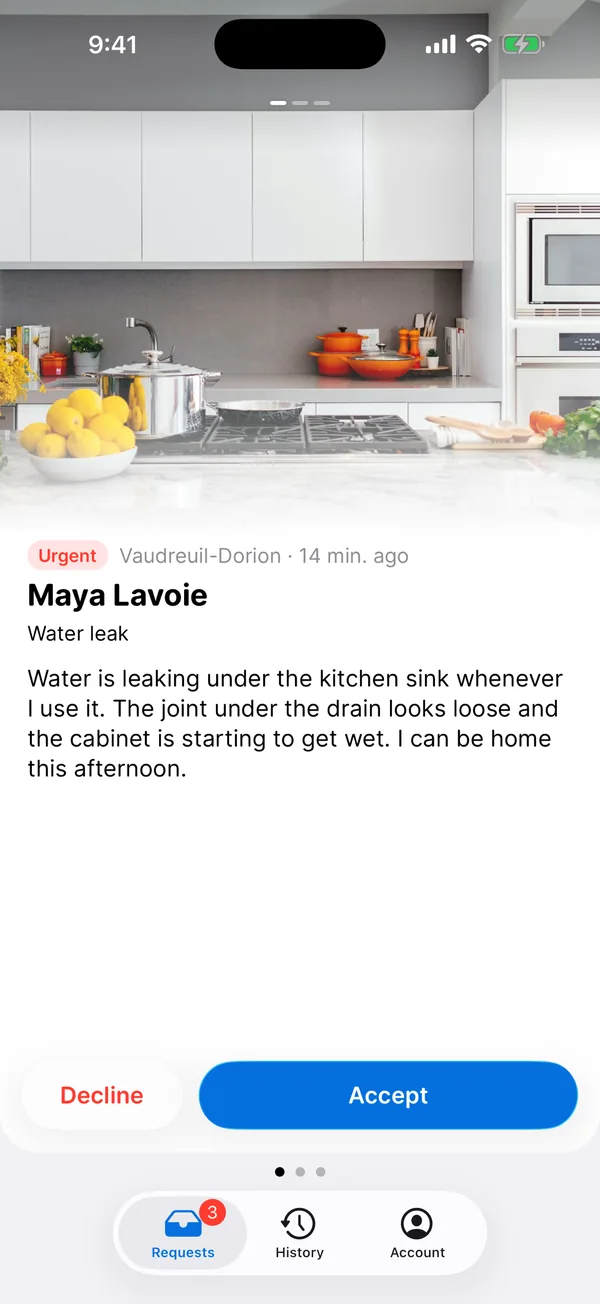
One request, start to finish.
It all happens on your phone, between two jobs.
01You get notified
A notification as soon as a request is offered to you. Urgent or a quote, you see it right away.
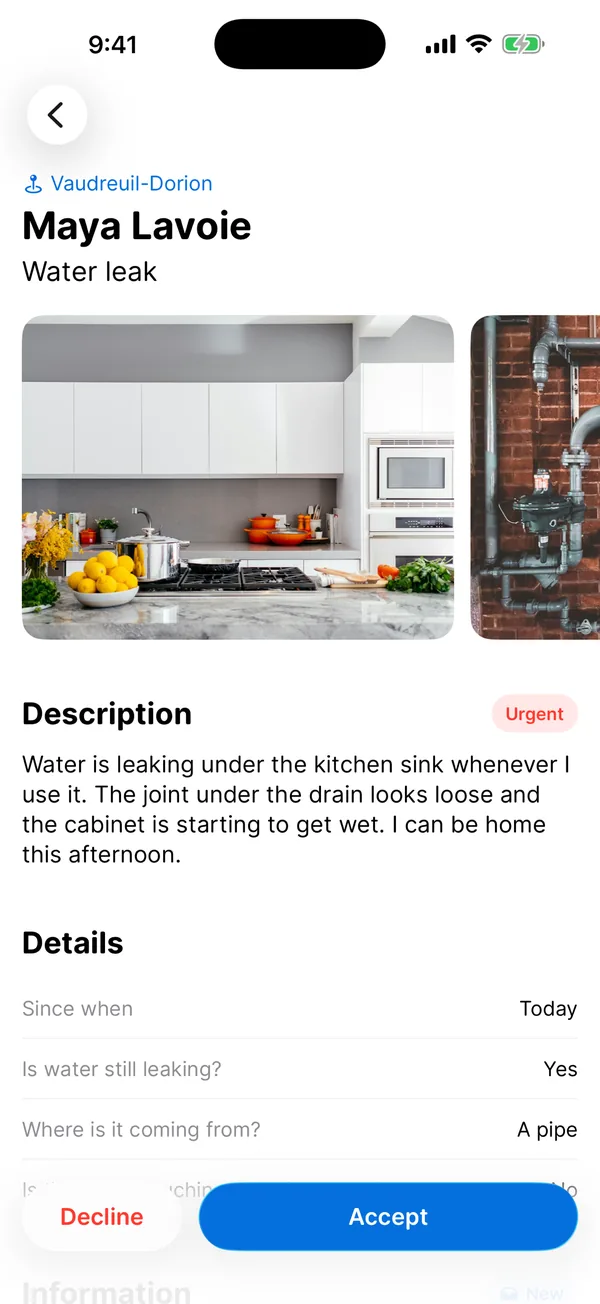
02You choose
The job, the town and the photos. Accept and call the customer, or decline and say why.
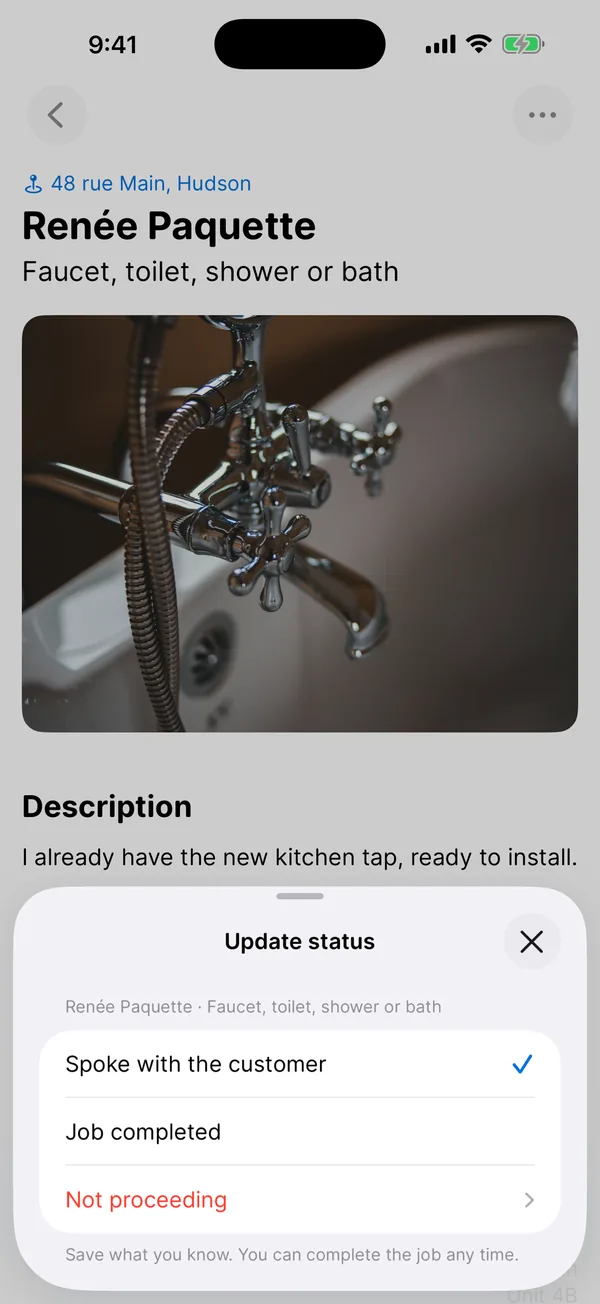
03You follow the job
Spoke with the customer, job completed or not proceeding: say so when you have a moment.
Only the requests that suit you.
You tell us what you do and where you go. That decides which requests you get.
Your services, your towns
Services, building types, municipalities served, urgent jobs and small jobs.
Fully booked?
Stop new requests until a date. Requests you accepted don’t change.
The whole team
Invite a colleague or your office staff. Everyone gets requests on their phone.
In English or French
A description in the other language? Translate it right on the phone.
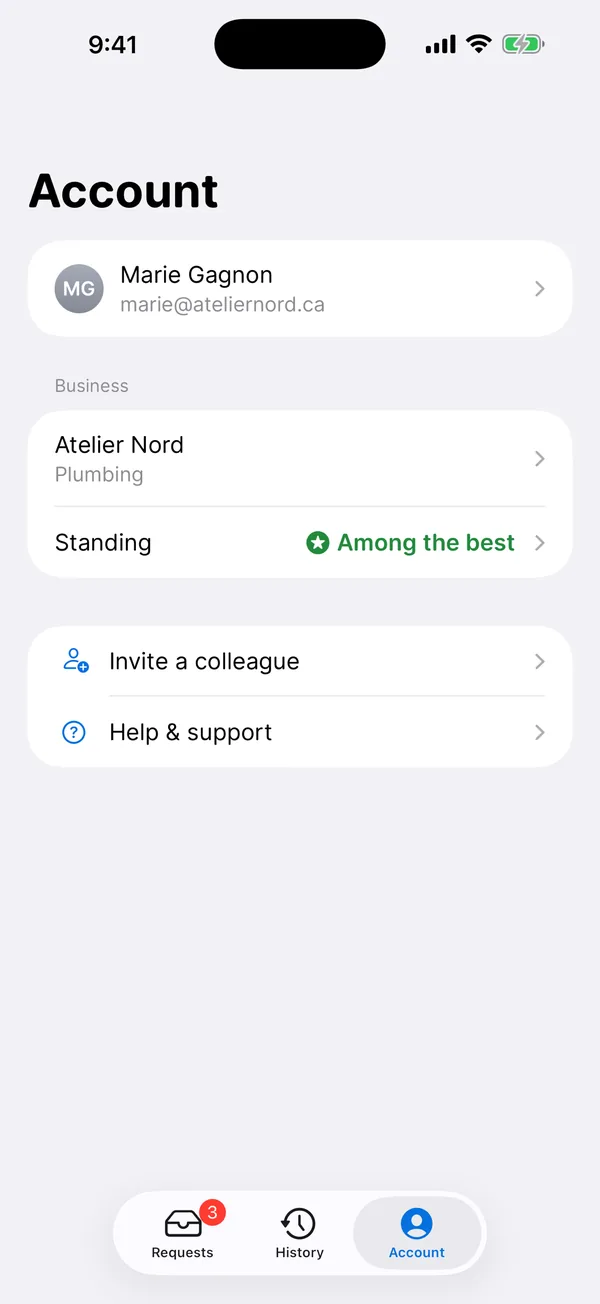
Here, standing is earned.
Requests go first to the businesses that answer and finish the job. Connecte is free, so it’s merit that counts, never who pays.
- 01
Answer every offer
A no counts as much as a yes: it frees the request for another business.
- 02
Say where the job stands
When you have a moment, even when it goes no further.
- 03
Customers who would hire you again
We ask them after the job. You never see who answered what.
Got an invitation?
Download Connecte and sign in with the email address from your invitation.
No invitation? Write to us: info@aproximite.ca
On a computer? Scan with your phone.